
About Course
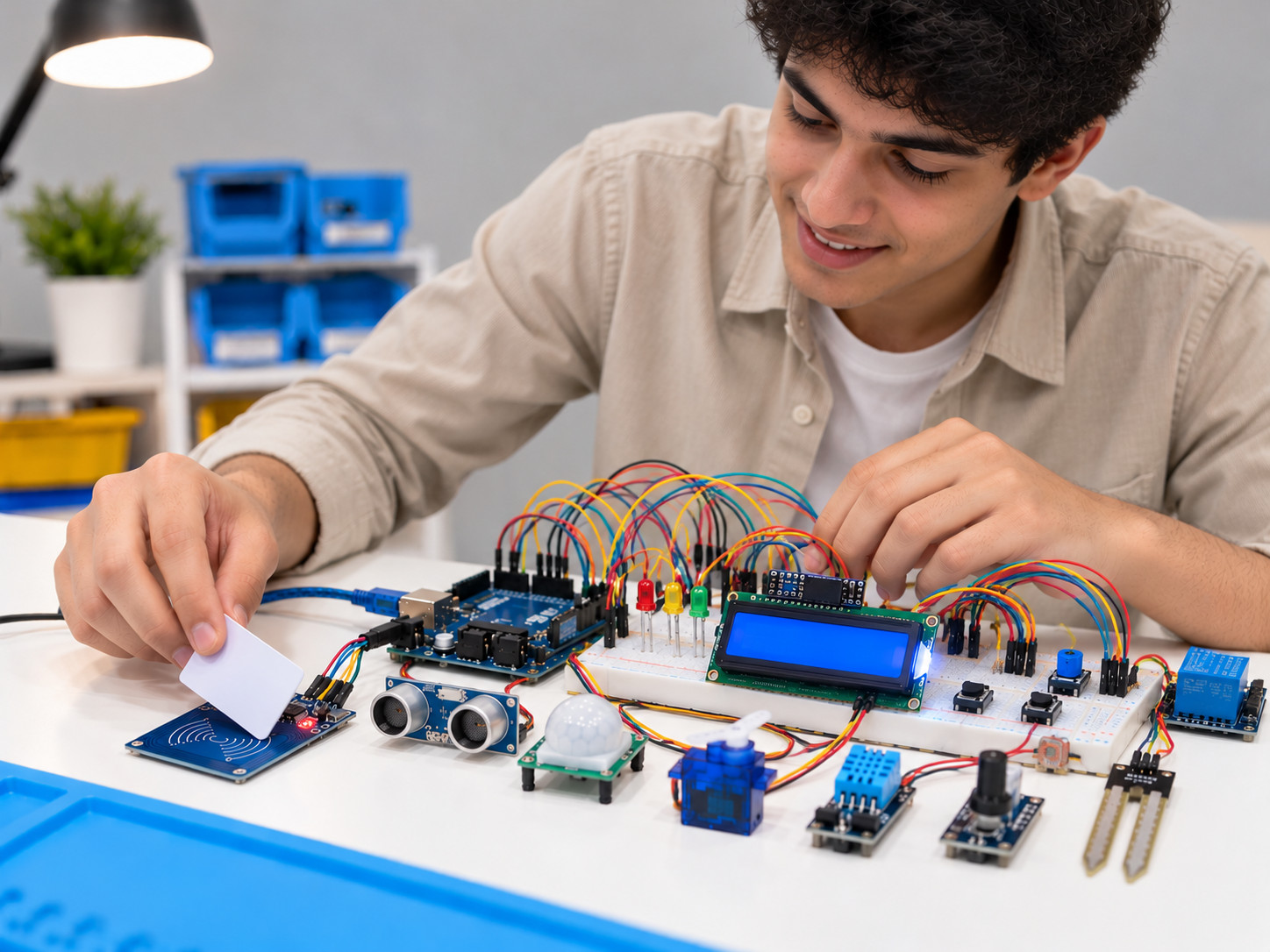
In Level 1 you learned to light an LED and read a button. In this level you make the Arduino sense what’s around it and act on its own: it reads light, motion and temperature, controls how bright a light is, shows its status on a screen, opens a door with a button or an RFID card, and switches loads through a relay.
Most units follow the same order: you understand the idea, try it on Tinkercad with no fear of burning any part, then build it with your own hands on real parts. With every project, the lesson gives you the code ready to copy, the wiring diagram and the parts list.
At the end, you bring the six systems together in the graduation project: a smart home that runs on one circuit and one sketch. Every project runs on safe low voltage, and we never work on 220V mains.
What’s inside the lessons?
Clear, well-organized video
In Full HD, in short lessons: 7 minutes on average.
Clear explanations in Arabic
With the English terms you’ll meet everywhere.
Simulation on Tinkercad
Try the circuit before you build it: a simulation lesson in 9 of the 11 units.
Code and wiring diagram
Every exercise’s code, ready to copy, with its wiring diagram in the same lesson.
A complete graduation project
A smart home that runs all six systems on one circuit and one sketch.
Ask the instructor
Your question reaches the instructor from inside the lesson itself.
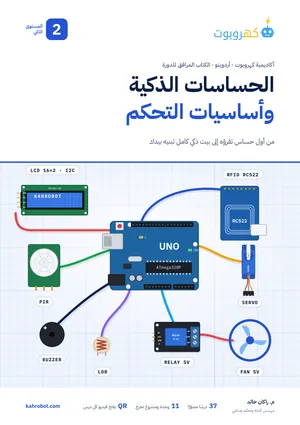
Course book: a 172-page PDF
Every lesson in writing: the idea in a minute, the parts, numbered steps with the wiring diagram, the code with its key lines explained, and an exercise to check you’ve got it. A QR code at the top of each lesson opens its video.
PDF · 172 pages · enrolled students onlyWhat can you do after each unit?
Each unit builds on the one before it, starting where Level 1 ended.
- Unit 15 lessons
Read the world around you with analog inputs
You learn how analog signals differ from digital ones, wire a light sensor (LDR), and read its value from 0 to 1023, first in the simulator, then by hand.
- Unit 25 lessons
The potentiometer: from variable resistor to voltage reading
You use the potentiometer as a variable resistor and as a voltage divider, and turn its reading into volts in your code.
- Unit 33 lessons
Control brightness with PWM
You learn how Arduino makes an average voltage by switching very fast, and set an LED’s brightness with values from 0 to 255.
- Unit 43 lessons
Project: LED brightness with a potentiometer
You link an analog input to a PWM output with map(), so the potentiometer’s knob sets the LED’s brightness.
- Unit 53 lessons
Project: automatic brightness with an LDR
You write a light that turns on by itself in the dark, then build automatic brightness like a phone screen, after measuring your own sensor’s real range.
- Unit 63 lessons
Project: a PIR motion alarm
You learn how the motion sensor and its two knobs work, and build an alarm with a buzzer and an LED that goes off at any movement.
- Unit 73 lessons
Show your data on an I2C LCD
You connect a 16×2 display with just four wires, find its address with a scanner sketch, and show the motion sensor’s state on it.
- Unit 83 lessons
Project: a servo door lock
You learn how a servo turns to an exact angle and holds it, and build a door that opens with a button or the motion sensor.
- Unit 92 lessons
Project: open the door with an RFID card
You read your card’s number with the RC522 reader, and make only your card open the door for 3 seconds while others are refused. (A learning model, not a real security system.)
- Unit 103 lessons
Project: a temperature-controlled fan with a relay
You switch a separate load through a relay with start and stop buttons, then, in the simulator, make it turn on at 30 °C and off at 28 °C from a temperature sensor. In the lessons, an LED stands in for the fan.
- Unit 112 lessons
Power your projects safely
You pick the right power source from four ways, learn the board’s limits, and know when you need an external 5 V supply with a common GND.
- Graduation project2 lessons
The smart home
You bring all six systems together on one circuit and in one sketch: automatic lighting, the motion alarm, the status display, the door button, card entry and the temperature fan. You switch on one system at a time, then all of them; AI may write the code, as long as you understand it and can explain it.
Level 2 finish line - NextComing soon
Level 3: The smart home and the Internet of Things
Course Content
Unit 1: Read the world around you with analog inputs
-
07:17
-
Analog inputs: wire the circuit
03:53 -
Analog inputs: write the code
02:11 -
Analog inputs: test it in simulation
03:07 -
Analog inputs: try it hands-on
05:53
Unit 2: The potentiometer, from variable resistor to voltage reading
Unit 3: Control brightness with PWM
Unit 4: Project: LED brightness with a potentiometer
Unit 5: Project: automatic brightness with an LDR
Unit 6: Project: a PIR motion alarm
Unit 7: Show your data on an I2C LCD
Unit 8: Project: a servo door lock
Unit 9: Project: open the door with an RFID card
Unit 10: Project: a temperature-controlled fan with a relay
Unit 11: Power your projects safely
Graduation project: the smart home
Frequently asked questions
Do I need Level 1 first?
It’s best. This level starts where Level 1 ended, so we assume you can light an LED, read a button and write a simple sketch. If you know these basics from elsewhere, you can start right away.
Do I have to buy the parts before I start?
No. 9 of the 11 units have a Tinkercad simulation lesson, so you can try each circuit first. Tinkercad has no RFID reader, so that unit needs the real part.
Which parts do I need for the hands-on work?
- An Arduino UNO with its USB cable, a breadboard and jumper wires.
- A light sensor (LDR), a 10 kΩ potentiometer, LEDs and resistors (220 Ω, 330 Ω, 470 Ω, 1 kΩ, 10 kΩ).
- A PIR motion sensor, a buzzer and a 16×2 LCD with an I2C module.
- An SG90 servo, two push buttons and an RC522 RFID reader with a card and a key fob.
- A 1-channel 5 V relay module and a 9 V battery.
- For the graduation project: a temperature sensor, a small DC fan and an external 5 V supply (2 A or more).
Do I need an external power supply?
USB is enough for most projects. When the servo and the fan run together with the other systems in the graduation project, you need an external 5 V supply (2 A or more) with a common GND; the “Powering Arduino projects” lesson explains when, why and how.
Is there any 220 V mains work?
No. Every project runs on safe low voltage. The relay lesson mentions a household fan only as an example; mains work is for qualified electricians only.
Can I use ChatGPT or Claude for the graduation project?
Yes. The project’s steps file has a ready prompt that writes the code, as long as you understand it and can explain it, and switch on one system at a time with Feature Flags first.
Is the RFID door real security?
No. Checking the card number alone is a learning model of the idea, because card numbers can be copied. Don’t use it to protect a real door.
I bought Level 1. Do I pay for this level?
No. Level 2 comes with the Level 1 subscription (SAR 179 until 31 December 2026, then SAR 279), so you’ll find it in your account.
Can I follow the course on my phone?
You can watch the lessons on your phone, but the simulation and writing code are easier and better on a computer.
What do I do if I get stuck while learning?
Ask your question in the «Q&A» tab inside the lesson itself, or contact us from the «Contact us» page, and we’ll help you reach the right fix.
About the instructor
Learn with Engineer Rakan
An industrial automation and control engineer with hands-on experience in advanced manufacturing, who has developed and troubleshot control systems, robots and industrial networks. He holds a master’s degree in engineering and the CMRP certification. He designed this level to take you from reading sensors to systems that sense and act on their own: you understand the circuit, simulate it, build it and find its faults yourself. The goal isn’t to memorize ready-made code, but to learn to think, build and solve problems like an engineer.